Busy vs Productive: A Digital Blueprint That Works
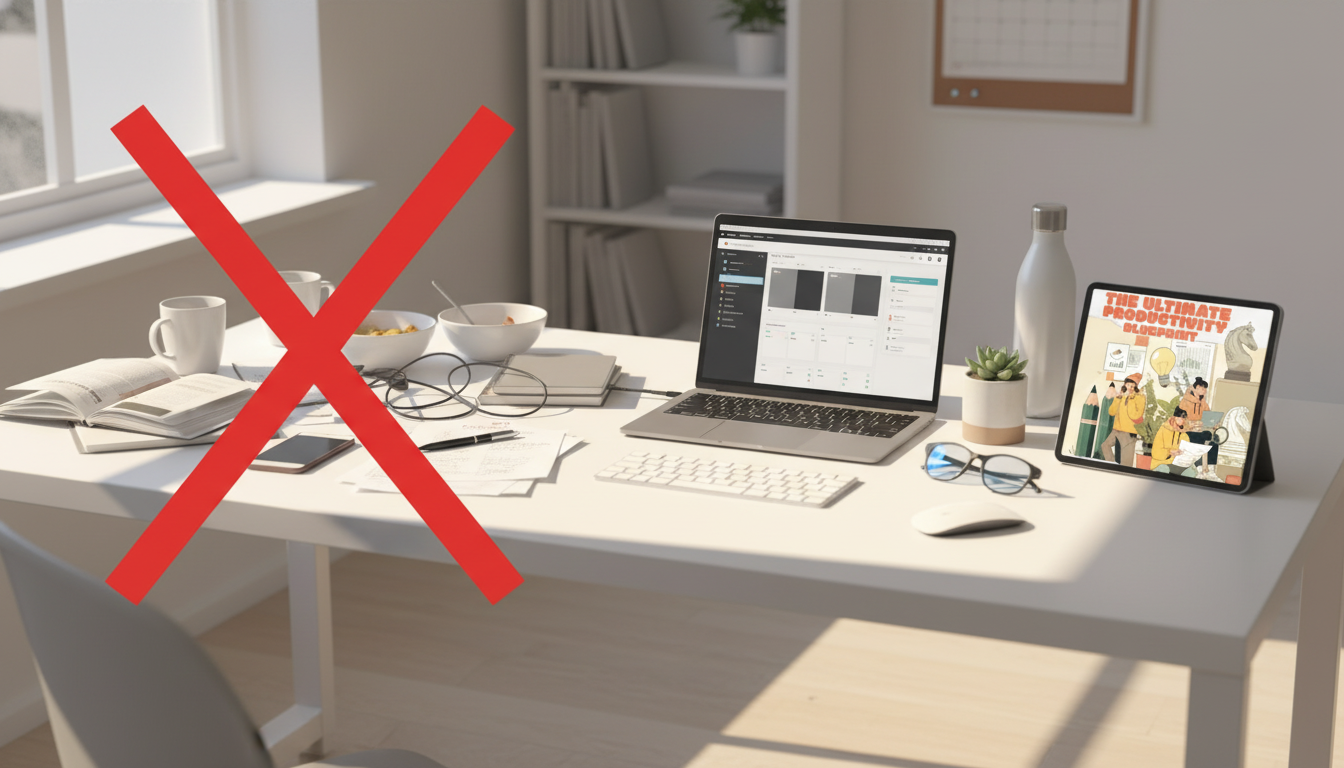
Busy Isn’t the Same as Productive: Build a Blueprint That Actually Works
Busy schedules don’t automatically create progress. A clear system does: goals that translate into next actions, a realistic time plan that protects focus, and daily routines that run with minimal friction. A productivity blueprint is less about doing more and more about doing what matters—consistently—without burning out.
Below is a practical, digital-first blueprint you can set up in a weekend and run on repeat: plan, execute, review, adjust. It’s designed for real life—full calendars, shifting priorities, and limited energy.
What a productivity blueprint actually solves
A good blueprint turns “I should” into “I did” by making priorities visible and actionable. Instead of relying on motivation, it creates repeatable structure and a feedback loop that keeps improving over time.
- Turns vague priorities into specific outcomes, deadlines, and next actions
- Prevents the common trap of being busy while important work stalls
- Creates repeatable routines so progress doesn’t depend on motivation
- Builds a feedback loop: plan, execute, review, adjust
| Problem | What it looks like | Blueprint move that fixes it |
|---|---|---|
| Too many priorities | Switching tasks all day, nothing finishes | Define 1–3 outcomes for the week and protect time blocks for them |
| Overpacked calendar | Back-to-back meetings, no deep work | Add focus blocks first, then schedule meetings around them |
| Low follow-through | Good plans, inconsistent action | Use daily trigger routines and minimum viable actions |
| No clarity on progress | Unsure what’s working | Weekly review with simple metrics and next-week adjustments |
Goal setting that leads to action
Goals fail when they stay abstract. The fix is to define outcomes (what “done” looks like) and convert each outcome into calendar-ready next actions. If you’ve ever felt organized but not effective, this is usually the missing step.
- Start with outcomes, not tasks: define what “done” looks like (deliverable, result, or milestone)
- Choose a short planning horizon: 90 days for direction, 7 days for execution
- Translate each goal into a project (multi-step) and next actions (single-step, calendar-ready)
- Use constraints to increase follow-through: time limit, scope limit, and a clear “stop condition”
Time constraints matter because work expands to fill the time available—a dynamic often called Parkinson’s law (Britannica). Give tasks a container, and they become easier to start and finish.
Quick conversion examples
- Outcome: “Finish module 1.” Next action: “Watch lesson 1 for 20 minutes and take notes.”
- Outcome: “Reduce inbox stress.” Next action: “Set up two filters (newsletters, receipts).”
- Outcome: “Launch portfolio site.” Next action: “Collect five inspiration sites and pick a template.”
If you prefer a structured, ready-to-use framework, The Ultimate Productivity Blueprint | Digital Productivity Guide for Goal Setting, Time Management & Daily Routines is built around this goal-to-action conversion so weekly plans don’t stay stuck on paper.
Time management that works in real life
Time management isn’t about squeezing more into your day; it’s about budgeting reality first, then protecting focus. Start by accounting for non-negotiables (sleep, commute, meals, workouts, caretaking, recovery). What’s left is your true “focus budget.”
- Build a time budget first: sleep, commute, meals, workouts, family time, and recovery
- Time-block the day around energy: deep work during peak focus, admin during low-energy windows
- Use a single capture system: one place for tasks and one calendar for time-bound commitments
- Protect attention with boundaries: meeting windows, notification limits, and clear do-not-disturb periods
If you like a lightweight framework for capturing and clarifying tasks, the core ideas in Getting Things Done can be a helpful reference (David Allen Company).
Simple weekly block pattern
A practical default is to schedule deep work before meetings crowd your calendar. Three protected blocks per week can create momentum fast, especially when each block has a single outcome.
Daily routines that reduce decision fatigue
Routines keep your day from becoming a series of negotiations with yourself. The goal is to make “starting” and “stopping” automatic so your brain isn’t constantly reopening the same loops.
That “trigger” approach matters because habits form around cues and repetition; even small, consistent actions can become automatic over time (APA Dictionary of Psychology).
A digital system that stays organized
For people who travel or frequently switch contexts, pairing a stable weekly plan with a simple “travel-mode checklist” helps preserve routines. A handy companion for international trips is The Smart Traveler’s Guide to Global Etiquette | Digital Download eBook for Cultural Tips, Travel Etiquette, and International Manners, especially when meetings and schedules change across time zones.
Weekly review: the loop that makes progress inevitable
Keep the review simple: one page of notes, three wins, three lessons, and a short list of next-week outcomes. If you want a guided format with prompts and templates, The Ultimate Productivity Blueprint is designed to run as a repeatable weekly cycle rather than a one-time read.
Productivity toolkit option
- The Ultimate Productivity Blueprint | Digital Productivity Guide for Goal Setting, Time Management & Daily Routines — a structured way to plan your week, execute daily, and review progress.
- Online-Dating Profile Blueprint | Printable Guide to Authentic Dating Profiles, First Messages, and Better Matches — useful when a specific life goal needs a clear step-by-step process and deadlines.
FAQ
How do you present time management in a presentation?
Start by showing where time is currently going, then introduce a simple system (priorities, time blocks, and boundaries). Include a visual weekly calendar example and end with three takeaways: one habit, one tool, and one weekly review step.
What is the fastest way to start a daily productivity routine?
Do a 5-minute morning plan (top 3 outcomes plus the first action) and a 5-minute shutdown (capture loose ends and choose tomorrow’s first step). Keep it unchanged for one week before adding anything else.












Leave a comment